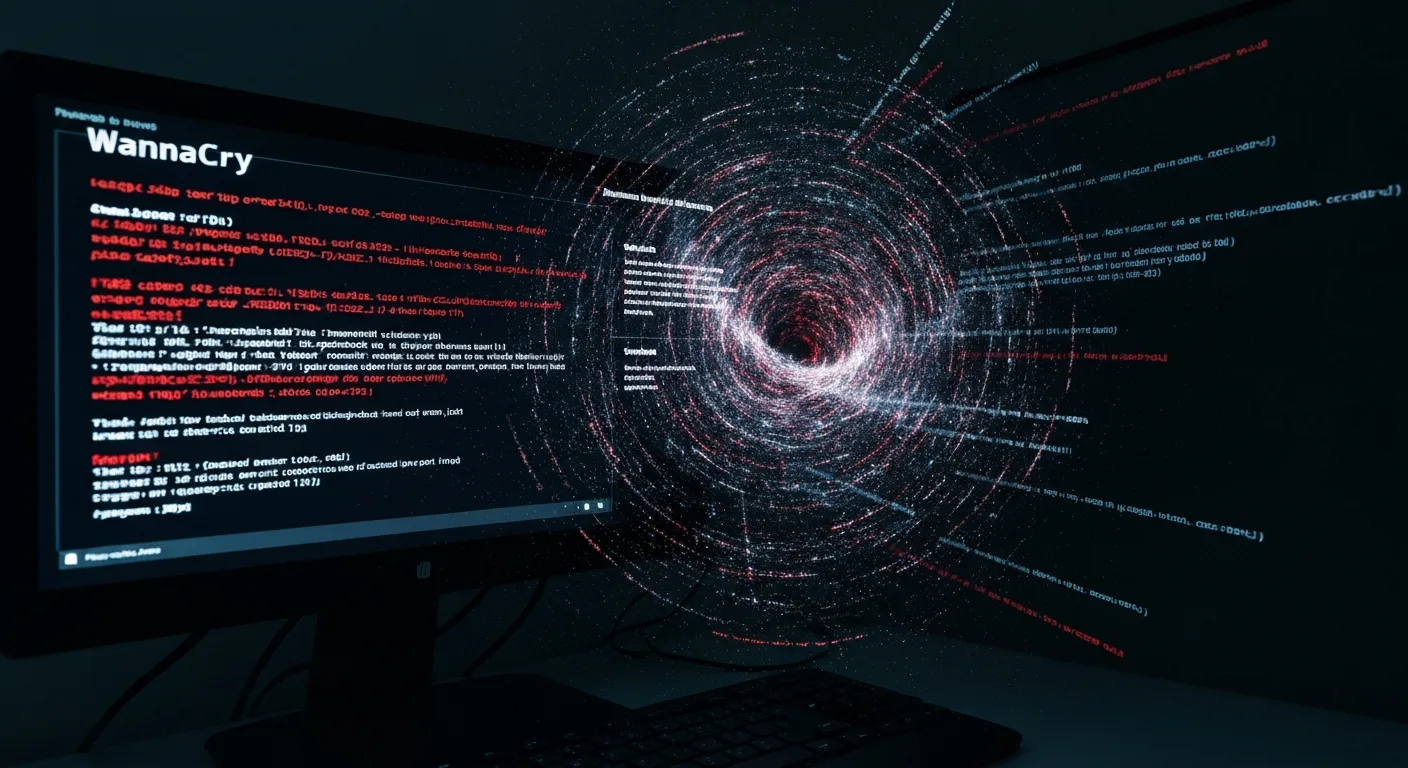
WannaCry 2017: The Cyberattack That Crippled UK Hospitals
The May 12, 2017 WannaCry ransomware attack crippled UK hospitals, cancelling surgeries and diverting ambulances. Learn why updates are critical.
Software Updates: Keeping Your Digital World Safe
On May 12, 2017, a major cyberattack struck globally. Hospitals across the United Kingdom, including many in the NHS, faced an immediate crisis. Computer screens flickered. A chilling message appeared: “Ooops, your files have been encrypted!” This was the WannaCry ransomware.
WannaCry stopped essential services. Doctors could not access patient records. Surgeries were cancelled, and ambulances were diverted. This attack was not random. It exploited a specific weakness in older Microsoft Windows systems.
Software runs our world. It is on your smartphone and in power grids. Code tells these systems what to do. Updates change this code. They fix problems, improve performance, or add new features. Many users find updates annoying. They interrupt work and demand restarts. Ignoring them, however, is risky. It is not just about small inconveniences. It is about keeping our digital operations safe, steady, and growing.
WannaCry: How Patches Prevent Disaster
The WannaCry ransomware attack showed why software updates are important. On that Friday in May 2017, the ransomware spread quickly. It infected hundreds of thousands of computers in over 150 countries. The UK’s NHS was hit especially hard.
This attack used a flaw in Microsoft’s Server Message Block (SMB) protocol. This flaw allowed the ransomware to move between computers without anyone doing anything. Security experts call this a “zero-day” exploit. It means the software maker did not know about the flaw until it was used in an attack.
Microsoft had already released a patch for this specific flaw. The patch, MS17-010, shipped on March 14, 2017. That was almost two months before WannaCry hit. Users and organizations who applied this update were safe.
Many organizations, including parts of the NHS, had not applied the patch. Their systems remained open to attack. An October 2017 report by the National Cyber Security Centre (NCSC) found the WannaCry incident was avoidable. The NCSC stated that “a significant proportion of the machines infected… could have been protected by applying the MS17-010 update.”

The chilling 'Ooops, your files have been encrypted!' message displayed on computer screens worldwide during the WannaCry ransomware attack on May 12, 2017. This attack severely impacted organizations like the UK's NHS, highlighting the critical importance of timely software updates. (Source: nozominetworks.com)
The financial cost was large. The U.S. government estimated global damages in the billions of dollars. British hospitals spent £92 million ($115 million) on the attack, according to NHS Digital figures. This covered recovery and lost output. These costs highlight a clear lesson. Delaying updates invites attackers. It puts entire systems at risk.
Fixing Errors: How Updates Keep Things Running Smoothly
Humans build software, and we always make mistakes, or “bugs.” These bugs range from small annoyances to major system crashes. They harm how well software works and the user experience. Updates are the main way to fix these flaws.
In early 2019, Google Chrome users on Windows reported bothersome issues. Many saw their browser crash unexpectedly. Others noticed memory usage spike too high. This slowed down their entire computers. These reports filled online forums.
Google engineers investigated the complaints. They found a specific memory leak in the browser’s rendering engine. This bug caused Chrome to use too much RAM over time. It led to slower performance and eventual crashes. The problem was not obvious during initial testing. It only showed up with specific, long-term use.
Google’s team quickly prioritized a fix. On February 26, 2019, Google released Chrome version 72.0.3626.121. The update included a patch just for that memory leak. Users who installed this update saw immediate improvements. Browser crashes became less frequent. Computer performance became steady.
This incident shows how important updates are for basic function. Without regular fixes, software would become more unstable. It would be full of errors and unreliable. Users would lose trust in the apps they use daily. Important data could be lost or damaged. The constant cycle of finding, patching, and sending out updates keeps software working. It keeps our computer work secure.
New Possibilities: Fresh Features and Better Tools
Updates are not just about fixing bugs or patching security holes. They drive new ideas. They bring new features, improve old ones, and adapt software to new technology. This change keeps our devices useful and current.
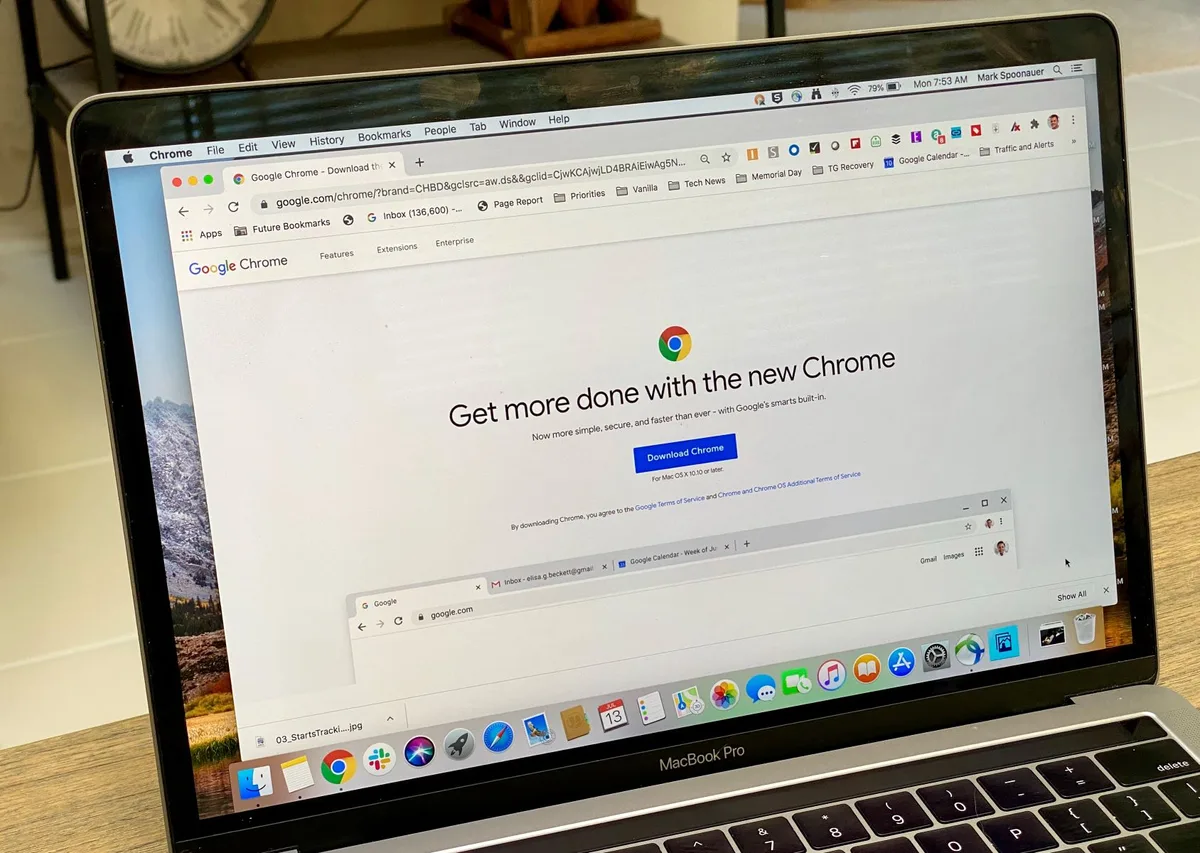
In early 2019, Google Chrome users on Windows experienced widespread crashes and slow performance due to a memory leak. Google engineers swiftly released version 72.0.3626.121, patching the bug and restoring stability to the popular web browser. (Source: robots.net)
On June 22, 2020, Apple held its annual Worldwide Developers Conference (WWDC). Apple announced iOS 14. This new operating system brought big changes to the iPhone. A main new feature was adding widgets to the home screen.
Before iOS 14, iPhone users could only place app icons on their home screens. Widgets were only in a separate “Today View.” With the iOS 14 update, users could now customize their home screens. They placed interactive widgets right next to their apps. This showed information at a glance, such as weather forecasts or calendar events.
This update completely changed how millions used their iPhones. It offered more personal options and quick access to information. This was not a bug fix. It was a big improvement. Users downloaded the update in large numbers. They eagerly explored the new customization options.
Software updates often add support for new hardware. They might let software support new file formats. They can also work with other services. For example, a video editing program might update to support a new camera’s raw video format. An operating system might update to communicate with new smart home devices. This constant change ensures software does not become old. It adapts to new user needs and new technologies. Updates keep our computer tools strong and relevant.
Stay Compliant: Avoid Large Fines
Software updates are important for following rules. Many industries must follow strict data protection and privacy laws. These laws require specific security measures for handling sensitive information. Breaking these rules can lead to large fines and a damaged reputation.
The General Data Protection Regulation (GDPR), enacted by the European Union in May 2018, is one example. It sets strict rules for how organizations collect, process, and store personal data. A central part of GDPR compliance is keeping data safe. This means protecting systems from weaknesses.
Consider a financial institution in Europe. Its customer database software must follow GDPR’s security rules. If a known flaw exists in their database software, and a patch is available, not applying that patch is a serious risk. If a data breach happens because of this unpatched flaw, the institution could face large fines. GDPR fines can reach up to €20 million ($21.5 million) or 4% of annual global turnover, whichever is greater.

The introduction of widgets to the iPhone home screen with iOS 14 in 2020 allowed users unprecedented customization, moving beyond simple app icons to display dynamic information at a glance. This major update transformed how millions interacted with their devices daily. (Source: pocket-lint.com)
The 2022 Verizon Data Breach Investigations Report (DBIR) showed the ongoing threat from unpatched systems. It found that outside attackers using flaws is still a common way to cause breaches. Many breaches use older, known flaws. Patches for these have been available for months or even years. This is not just theory. It is a proven reality.
Organizations must keep software updated to meet these legal duties. Regular updates ensure systems have the latest security. They close known gaps. This protects sensitive data. It also prevents legal and financial problems. Updates are more than just technical tasks. They are a key part of managing risk and staying legal.
Stronger Systems: Always Improving
Software is never truly “finished.” It exists in a changing environment. New threats appear. User needs change. Technologies improve. This constant change requires us to keep getting better and adapting. Software updates are how we do this.
Leading cybersecurity groups, like the U.S. Cybersecurity and Infrastructure Security Agency (CISA), emphasize applying patches early. CISA regularly sends out alerts. These alerts recommend immediate updates for serious flaws. They advise all organizations to create strong patch management rules. This includes automated updates when possible.
Katie Moussouris, CEO of Luta Security and a long-time cybersecurity expert, often speaks about this. She advocates for a “secure by design” approach. This means a commitment to constant monitoring and quick fixes for discovered flaws. For Moussouris, patching is not just a task. It is central to maintaining trust and operations.
The future of software will likely bring even more frequent, smaller updates. These aim to cause less trouble while being safer. Cloud-native apps, for example, often receive constant, smooth updates. Users might not even notice them. This shows a shift toward continuous protection and new features.
Software updates are important. Think of them as the quiet protectors keeping our computer lives safe and moving forward. Ignoring them means inviting trouble, missed chances, and a less dependable experience. So next time your device asks to update, do not just hit “later.” Hit “install.” Your computer world relies on it.

Katie Moussouris, CEO of Luta Security, is a highly respected cybersecurity expert who advocates for a 'secure by design' approach, emphasizing that constant monitoring and quick fixes for discovered flaws are central to maintaining trust and operations. (Source: sans.org)
Common questions
What is a software update? It is a package of changes for a program or operating system. These changes fix bugs, patch security holes, improve performance, or add new features. Developers release them regularly to make the software better.
Do updates slow down my device? Usually not. Large operating system upgrades might need more resources. But most routine updates are made to run better and faster. They fix bugs that cause slowdowns or crashes.
Can I skip updates? You can, but it is not recommended. Skipping updates leaves your device open to security risks. It also prevents you from getting the latest features and bug fixes. This can make your experience worse and put your data at risk.
How often should I update? You should update your software as soon as new updates are available. Many systems and apps offer automatic updates. This is the easiest way to stay up-to-date. For important systems, always test updates before installing them.# Software Updates: Keeping Your Computer World Safe
On May 12, 2017, a major cyberattack struck globally. Hospitals across the United Kingdom, including many in the NHS, faced an immediate crisis. Computer screens flickered. A chilling message appeared: “Ooops, your files have been encrypted!” This was the WannaCry ransomware.
WannaCry stopped essential services. Doctors could not access patient records. Surgeries were cancelled, and ambulances were diverted. This attack was not random. It exploited a specific weakness in older Microsoft Windows systems.
Software runs our world. It is on your smartphone and in power grids. Code tells these systems what to do. Updates change this code. They fix problems, improve performance, or add new features. Many users find updates annoying. They interrupt work and demand restarts. Ignoring them, however, is risky. It is not just about small inconveniences. It is about keeping our computer operations safe, steady, and growing.
WannaCry: How Patches Prevent Disaster
The WannaCry ransomware attack showed why software updates are important. On that Friday in May 2017, the ransomware spread quickly. It infected hundreds of thousands of computers in over 150 countries. The UK’s NHS was hit especially hard.

In May 2017, the WannaCry ransomware crippled computer systems across the UK's National Health Service, forcing hospitals to cancel appointments, divert ambulances, and revert to paper records, highlighting the critical importance of software updates. (AI-generated illustration)
This attack used a flaw in Microsoft’s Server Message Block (SMB) protocol. This flaw allowed the ransomware to move between computers without anyone doing anything. Security experts call this a “zero-day” exploit. It means the software maker did not know about the flaw until it was used in an attack.
Microsoft had already released a patch for this specific flaw. The patch, MS17-010, shipped on March 14, 2017. That was almost two months before WannaCry hit. Users and organizations who applied this update were safe.
Many organizations, including parts of the NHS, had not applied the patch. Their systems remained open to attack. An October 2017 report by the National Cyber Security Centre (NCSC) found the WannaCry incident was avoidable. The NCSC stated that “a significant proportion of the machines infected… could have been protected by applying the MS17-010 update.”
The financial cost was large. The U.S. government estimated global damages in the billions of dollars. British hospitals spent £92 million ($115 million) on the attack, according to NHS Digital figures. This covered recovery and lost output. These costs highlight a clear lesson. Delaying updates invites attackers. It puts entire systems at risk.
Fixing Errors: How Updates Keep Things Running Smoothly
Humans build software, and we always make mistakes, or “bugs.” These bugs range from small annoyances to major system crashes. They harm how well software works and the user experience

The National Cyber Security Centre (NCSC) is the UK's authority on cyber security. Their October 2017 report concluded that the WannaCry incident was avoidable, highlighting the critical importance of applying software updates. (Source: gettyimages.com)
You might also like:
👉 Sustainable Futures: Investment, Cybersecurity & Future of Work